What’s New

Keep up with the latest releases, improvements, and fixes.

Follow @NotionHQ
2.41

Notion 2.41: Notion AI now with Slack, GPT-4, and more!

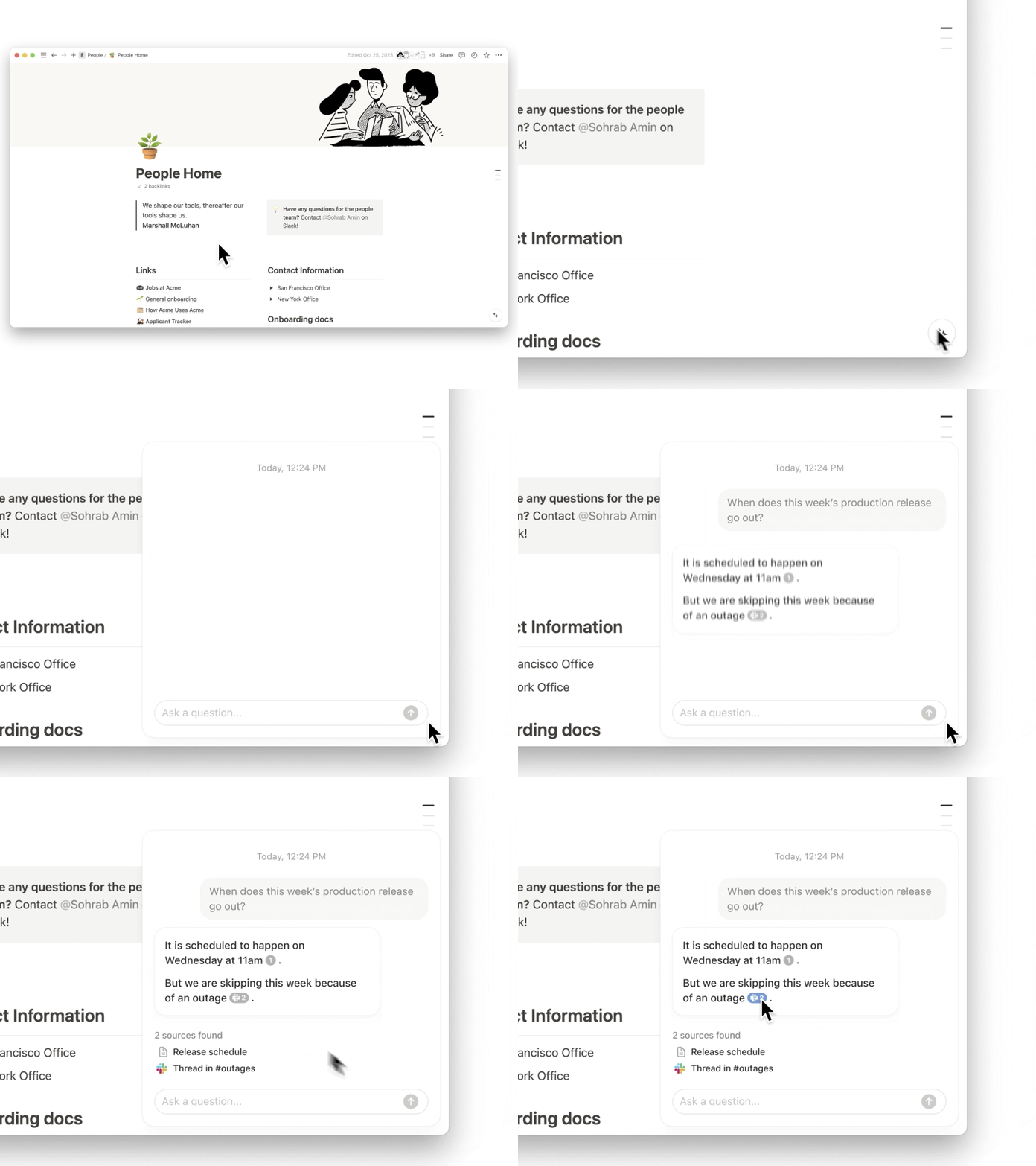
Instant answers from Slack, Google Drive, Salesforce, Jira, and more

Why search other apps or bug colleagues when Notion AI can search everything for you? Get all the information you need, fast, without leaving the place where your team plans, tracks, and creates.
ai1

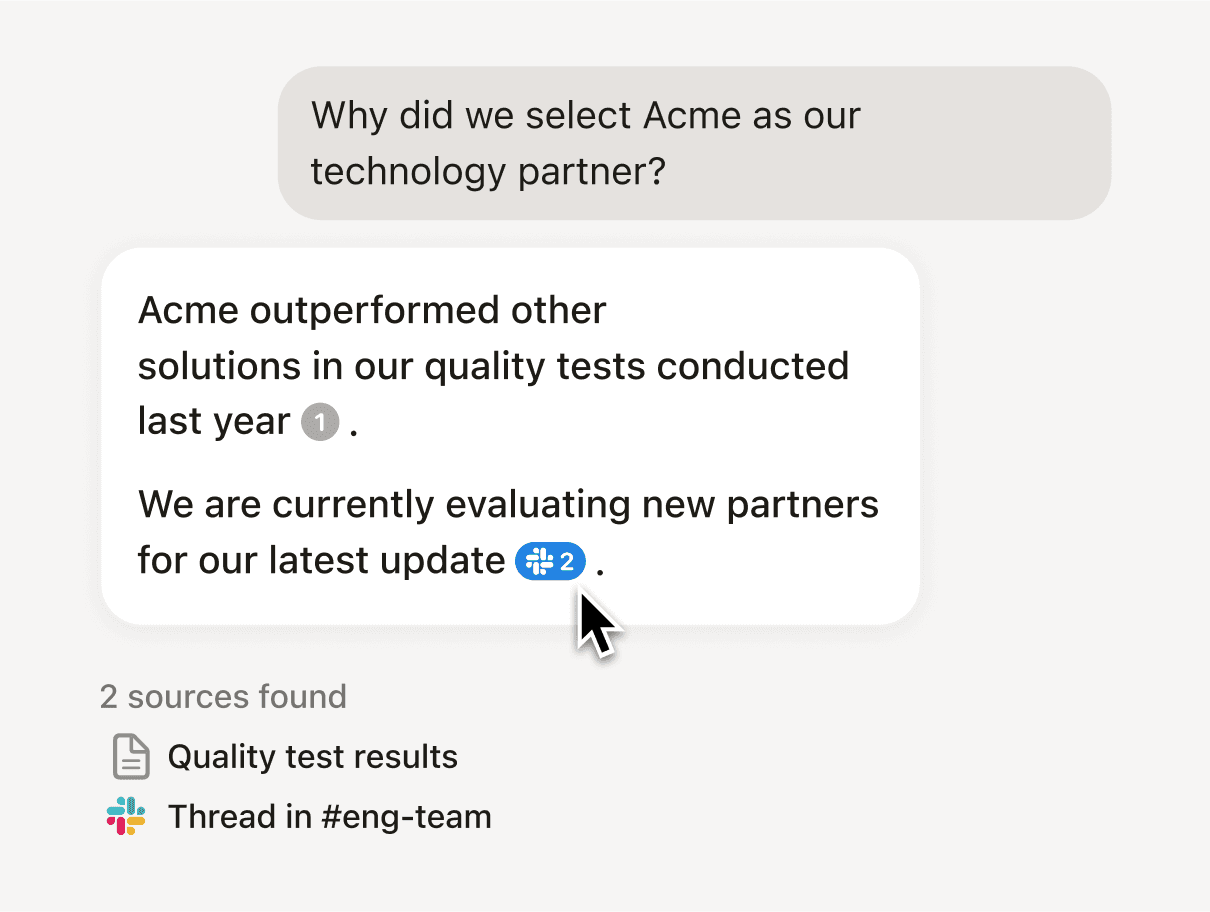
Unlock your company’s memory

There’s so much tribal knowledge locked away in docs and messages. Tap into it all. Your teams will become smarter and make better decisions.
Company memory

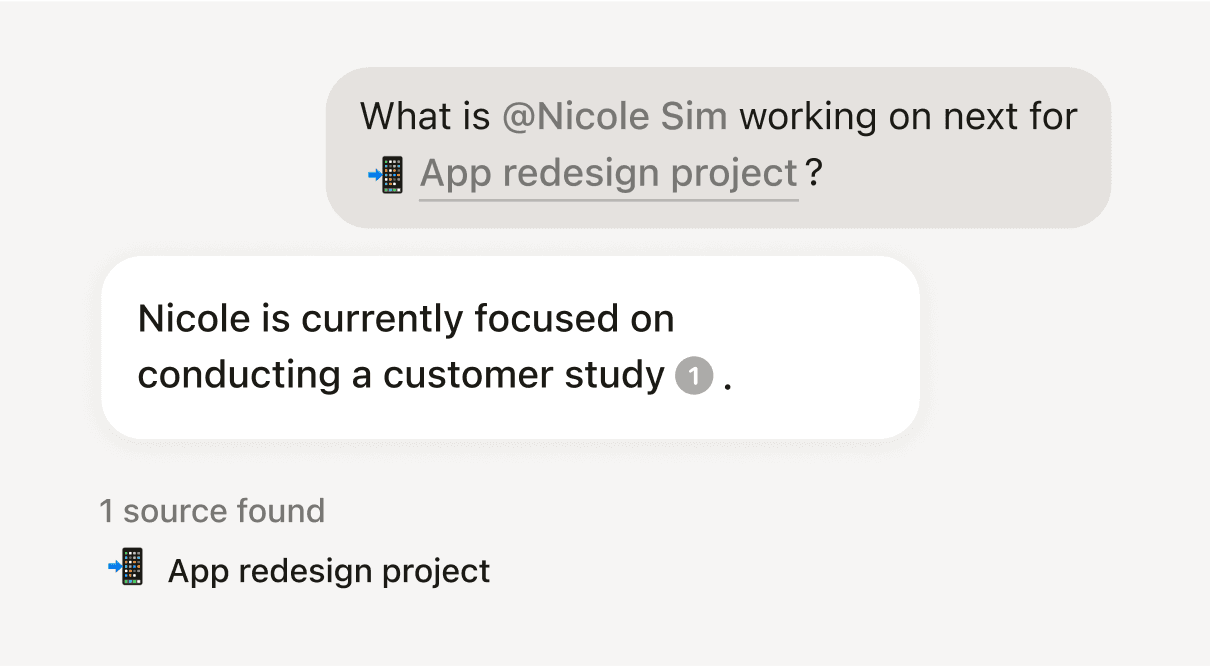
Tell AI where to look

Over the next few days, we’re rolling out the ability to @mention people, dates, pages, or teamspaces when you search. It helps AI look for relevant information so you get better answers. This was a top request since launching Q&A!
at-mention

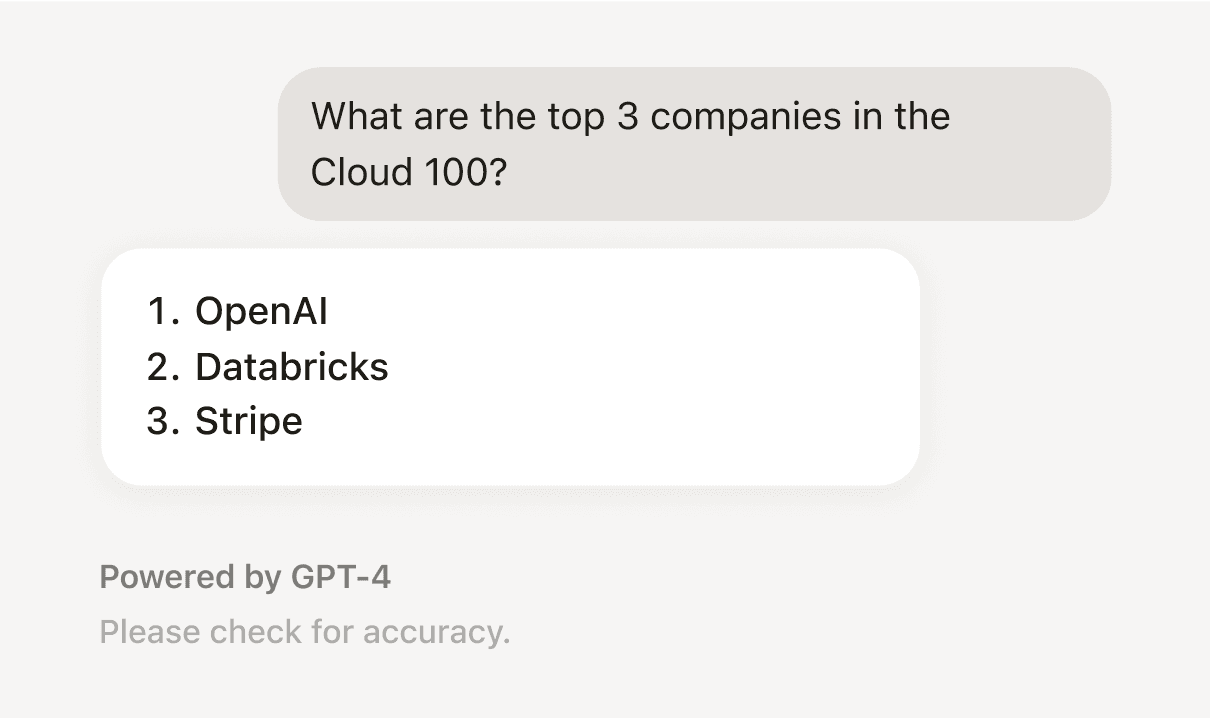
Now with GPT-4

Notion AI is powered in part by GPT-4, so we decided to give you direct access. Chat privately and securely with Notion AI, whether about historical events or new ideas, and get answers powered by GPT-4’s general knowledge of the world. And Notion AI always cites its sources, so you know if an answer comes from your team’s expertise or from the web.
GPT4

Plus a few more of your top requests...

  • Quickly access chat history to reuse and edit past AI prompts for faster work

  • Use Find in to narrow your search to a specific app or teamspace so you get the most relevant responses

  • Ask Notion AI to quickly summarize the page you’re on or identify key information to stay up-to-date

  • Click on citations to locate and easily review the specific block being cited
2.40

Notion 2.40: Home with calendar, navigate content, and organize your sidebar

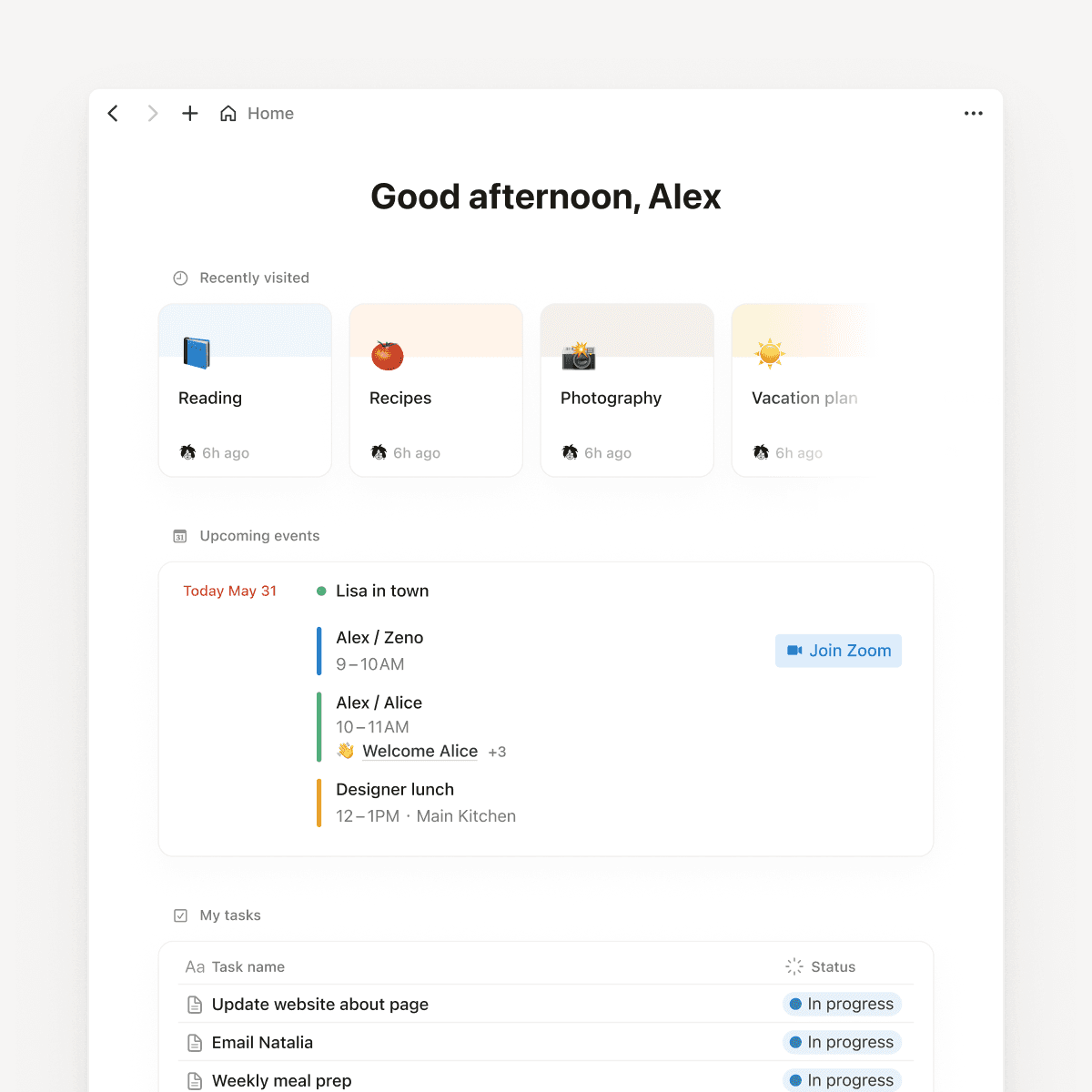
An organized Home

It’s basically your personal landing page. You can jump into a recent doc, see your calendar and tasks, or add a database of upcoming projects. It's just a start and we'll continue to make it better based on what we hear from you.

Home for all

See your day at a glance

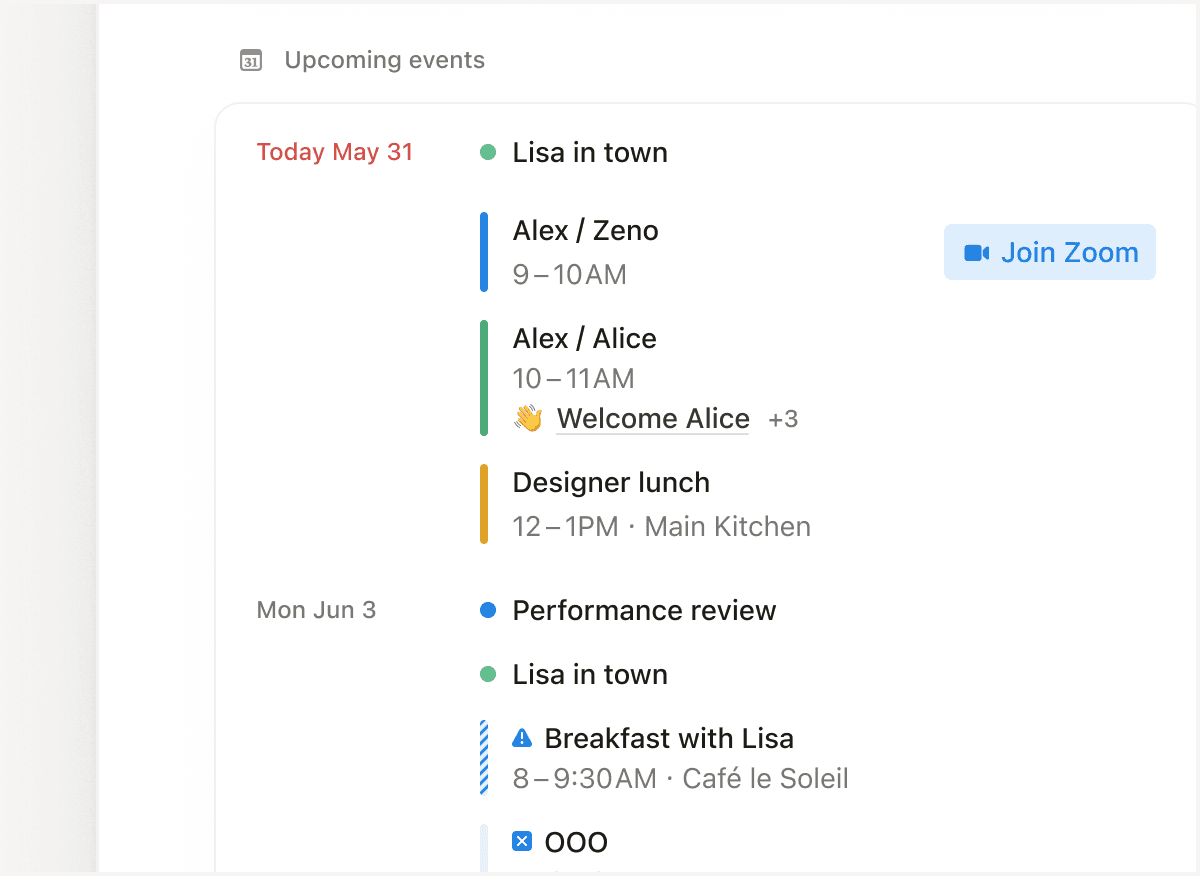
On desktop, your events from Notion Calendar are now in Home, along with related docs and a link to join your next meeting. No more breaking out of flow to figure out what your next meeting is about.

See your day at a glance

A tidier sidebar

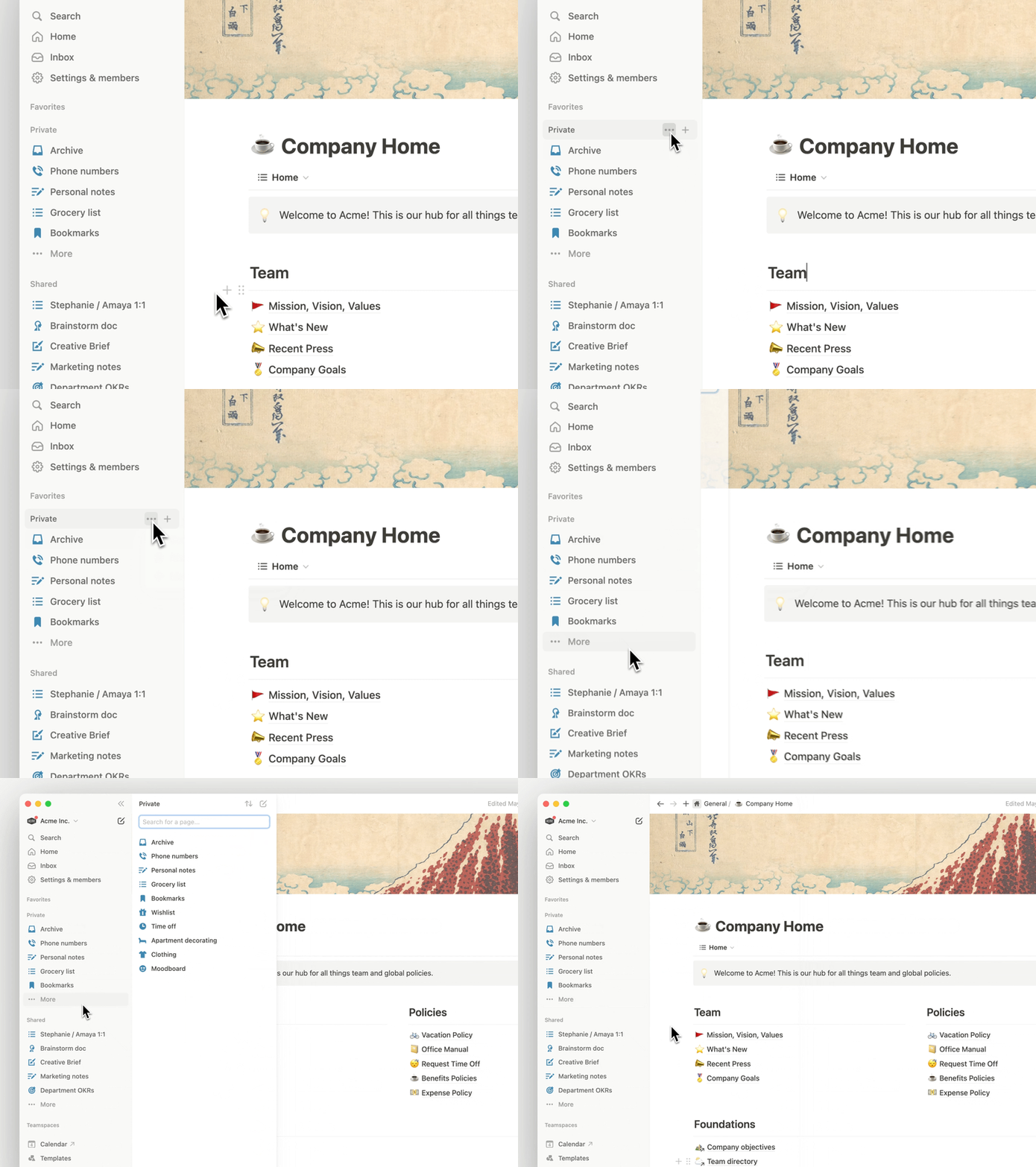
We promised we’d keep improving the most-used parts of Notion. The Private and Shared sidebar sections now have a dedicated panel where you can organize, sort, and search for pages. The panel also limits the number of pages so you don't have to scroll endlessly.

A tidier sidebar

A new “floating” table of contents

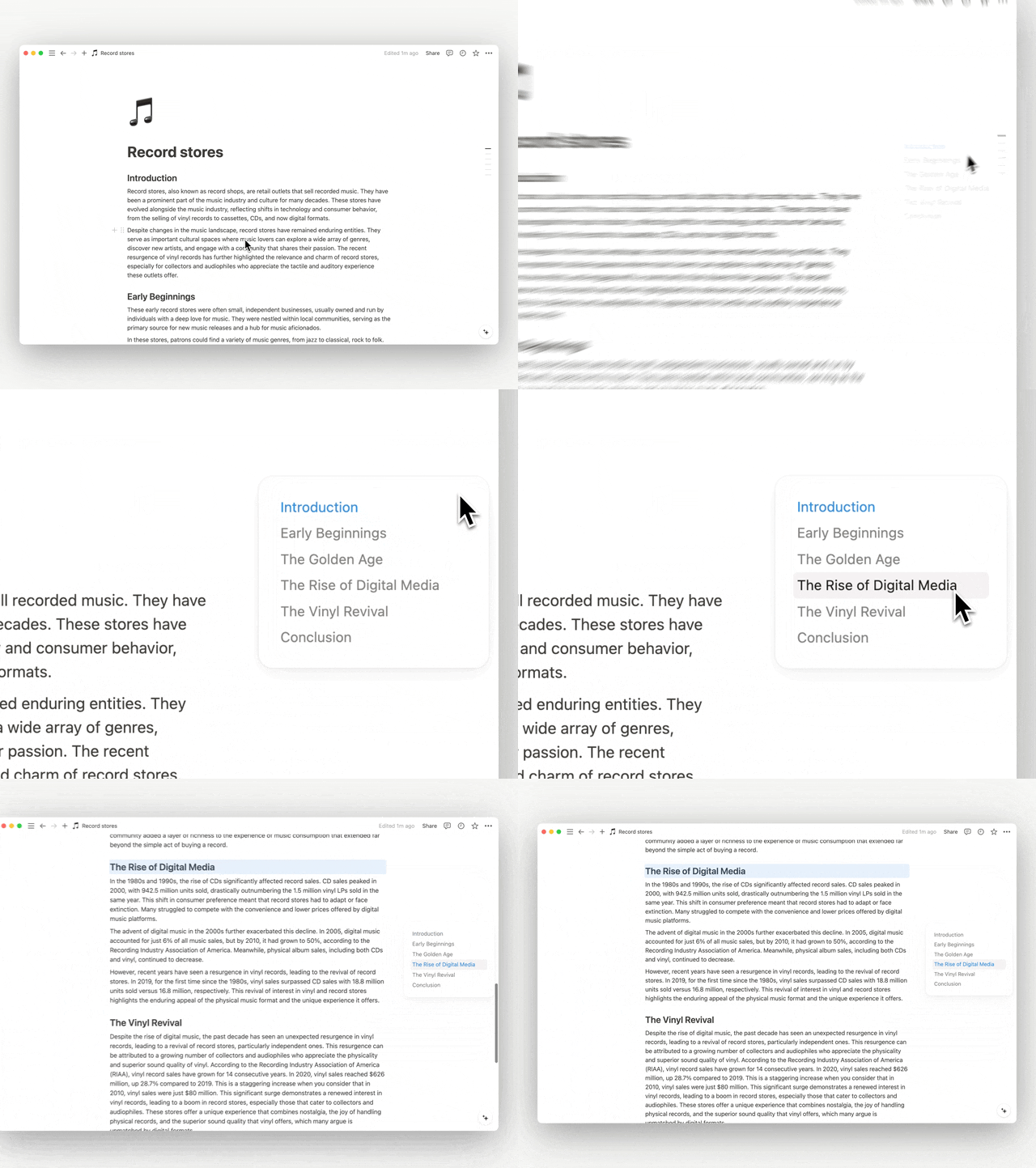
We’ve been working on making it easier to navigate long content. If your Notion page has headings you can now hover over the right side of the screen and find the section you want to jump to.

A new “floating” table of contents

A nicer preview for URLs

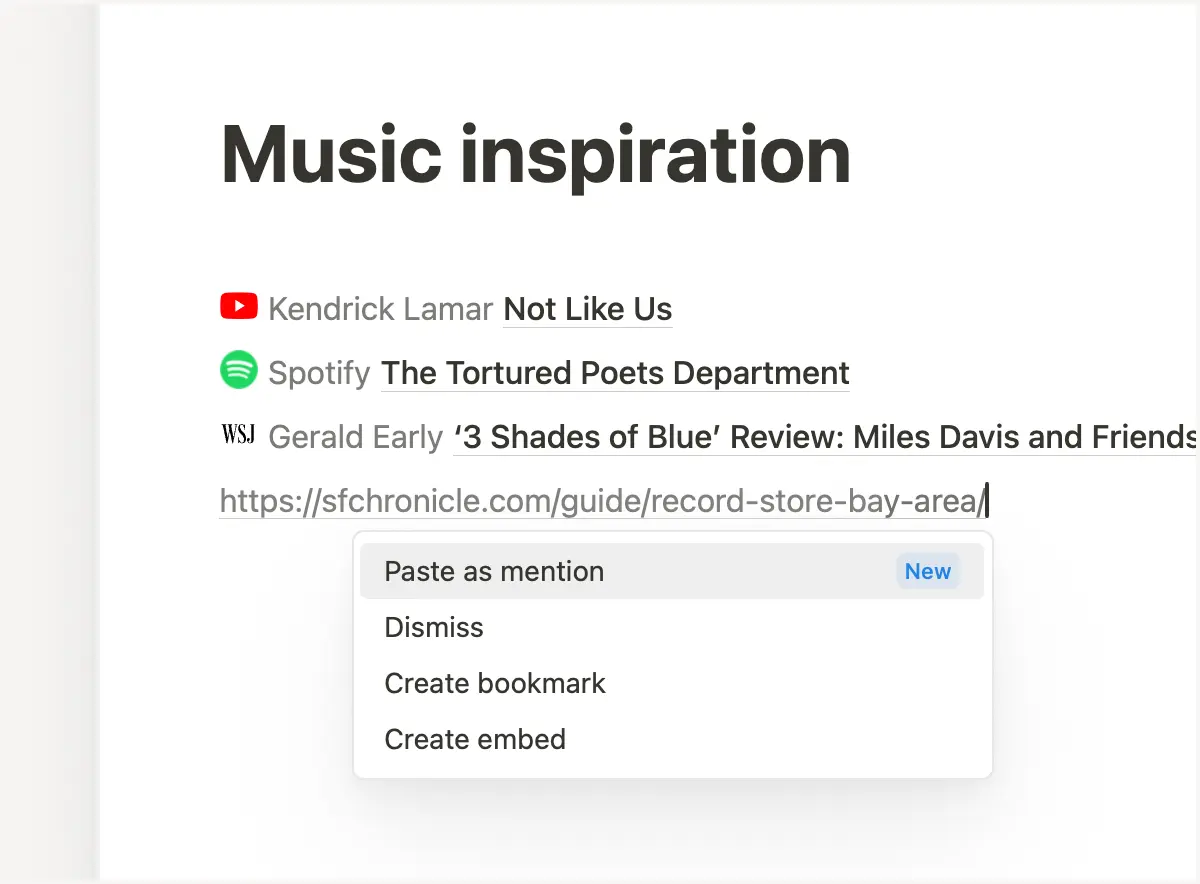
No one likes long URLs (especially when the URL has like 10 numbers in it). Now you can turn links into a short preview with a favicon, the author, and the title of the page. Just paste and choose Paste as mention.

A nicer preview for URLs

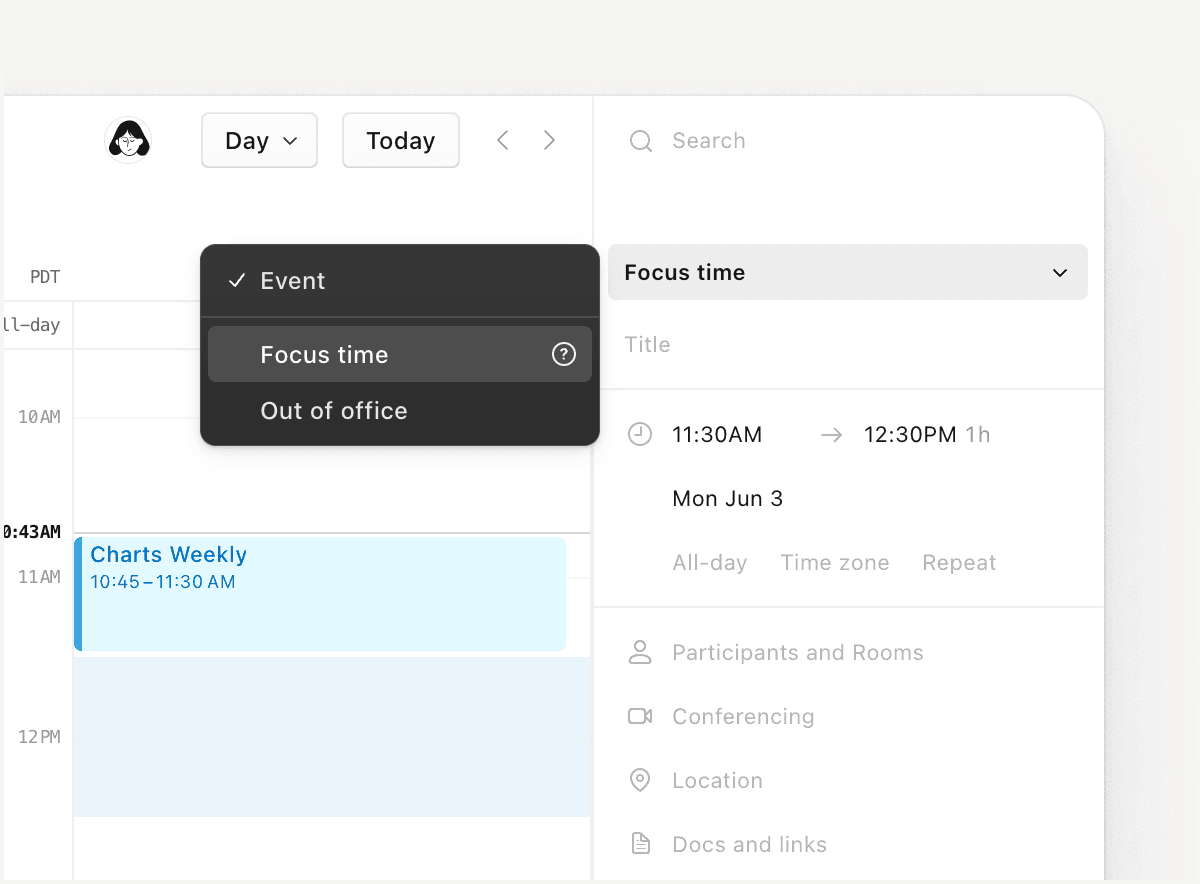
Focus time and OOOs

This was a popular request for Notion Calendar, so we built it! You can now add focus time or out-of-office events to your calendar.

Focus time and OOOs

More quality of life improvements

  • Use the desktop app to pin pages that you use frequently (like a to-do list) to the top left of the app. Just right click on an open tab and select the Pin tab option.

  • Database views that are grouped by the select, status, multi-select, person, or relation properties load faster.

  • Anyone viewing a locked database can now use advanced filters to find what they're looking for.

2.39

Notion 2.39: Improving the basics

Simplified sidebar

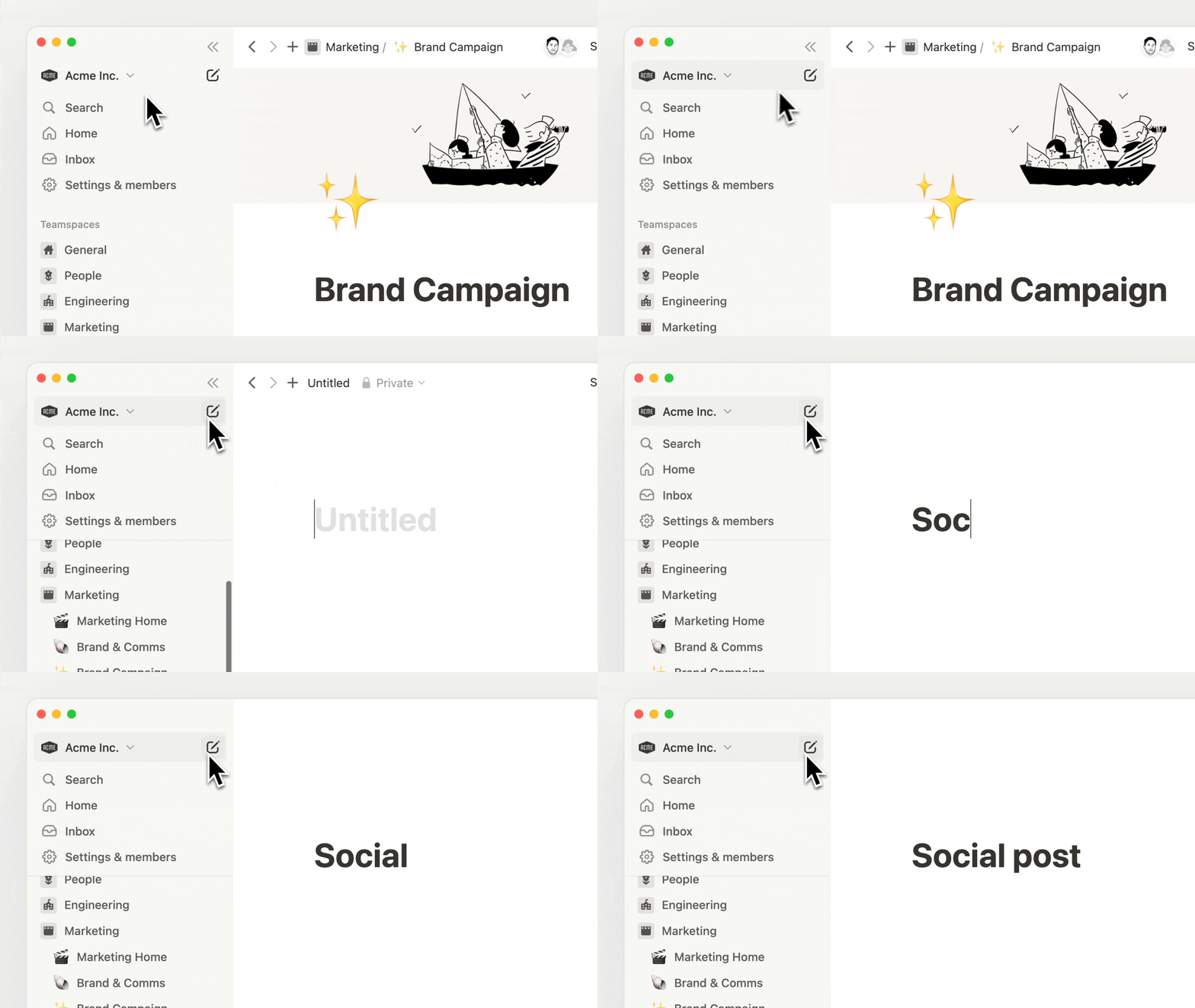
Sidebar is the most used surface area in Notion. We’ve cleaned it up and added a “new page” button that’s easier to reach. Small refinements matter :-)

Simple sidebar

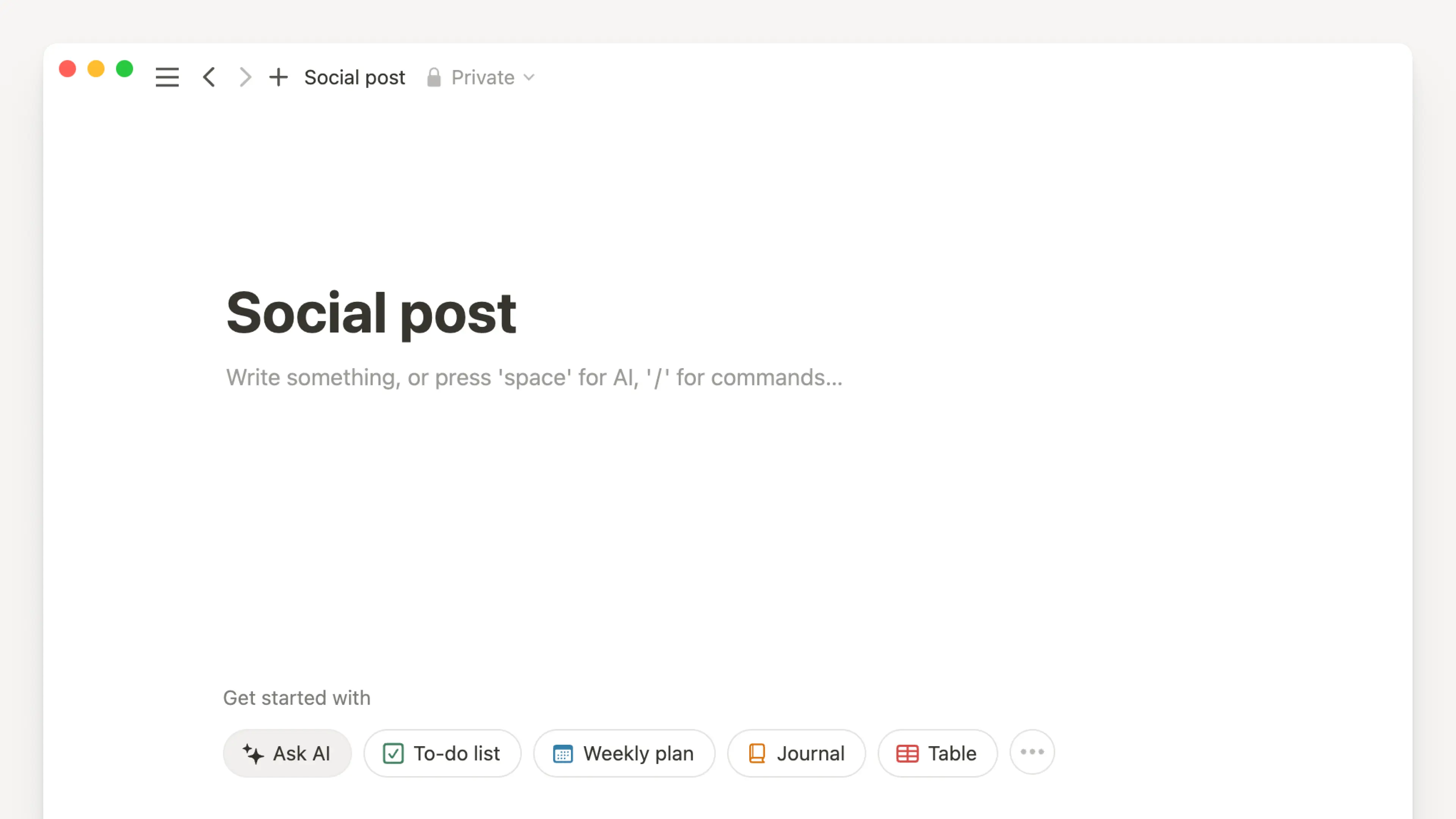
A lighter new page experience

To accompany the sidebar change, we also improved the look and feel of an empty page so it feels lighter to capture your new idea.

Lighter new page

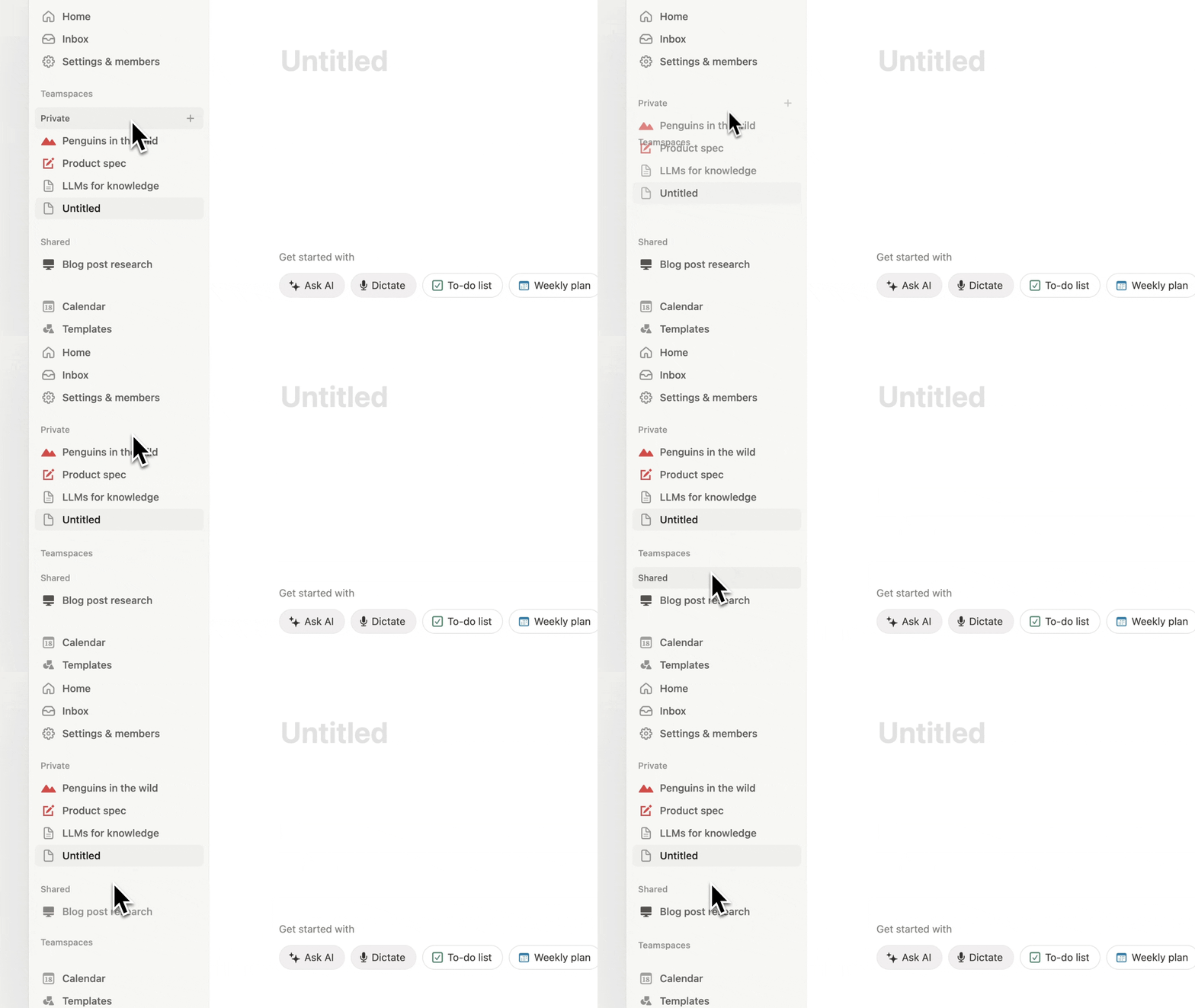
Customize sidebar sections

You can now reorder your sidebar sections (e.g. Favorites, Private, Teamspaces) to match your navigational habits. Hopefully this saves you a few minutes each day.

Customize sidebar

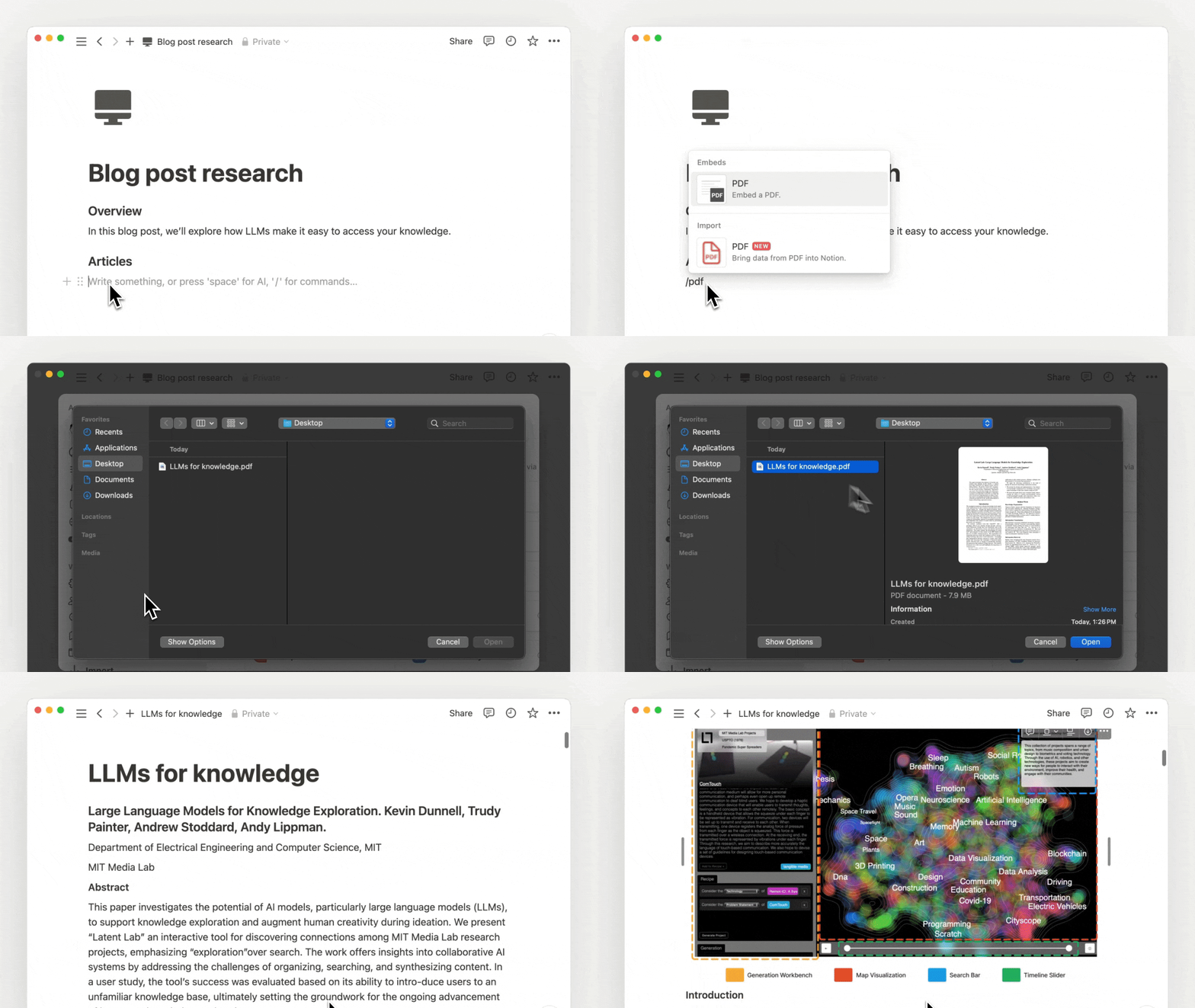
Import PDFs and Google Docs (finally)

We heard your requests for better importing and have built new importers for PDFs and Google Docs. It’s not easy to nail PDF importing, so please send us feedback via in-app support. It’ll help our engineers improve the quality for everyone. Appreciate it!

New pdf importer

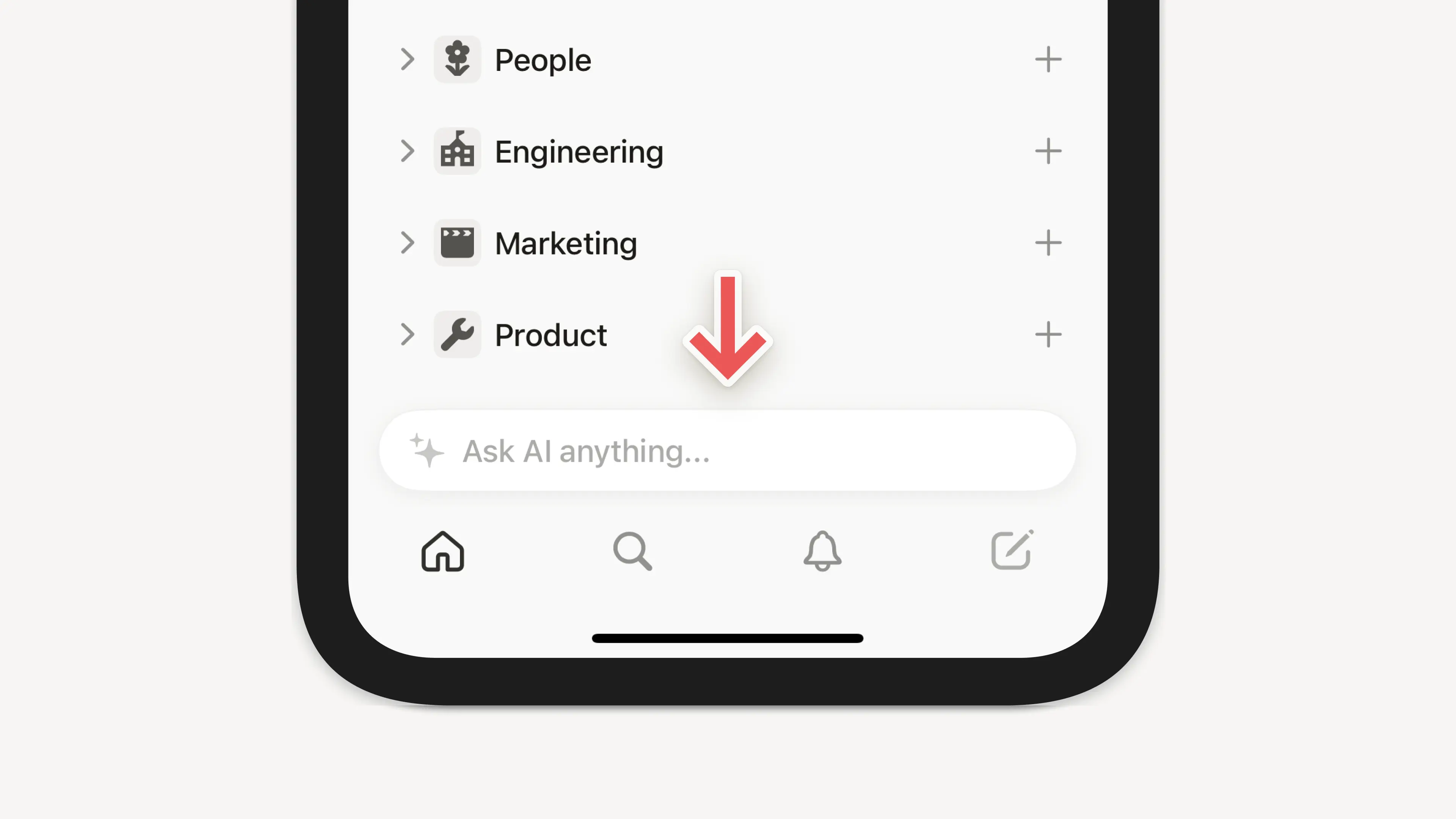
Quicker access to AI on your phone

We launched AI Q&A in beta a couple months ago and many of you loved it: ”I can ask Notion any question about all my content!”. So we made it easy to access AI Q&A on the go. It’s rolling out gradually, so thanks in advance for your patience.

AI on phone

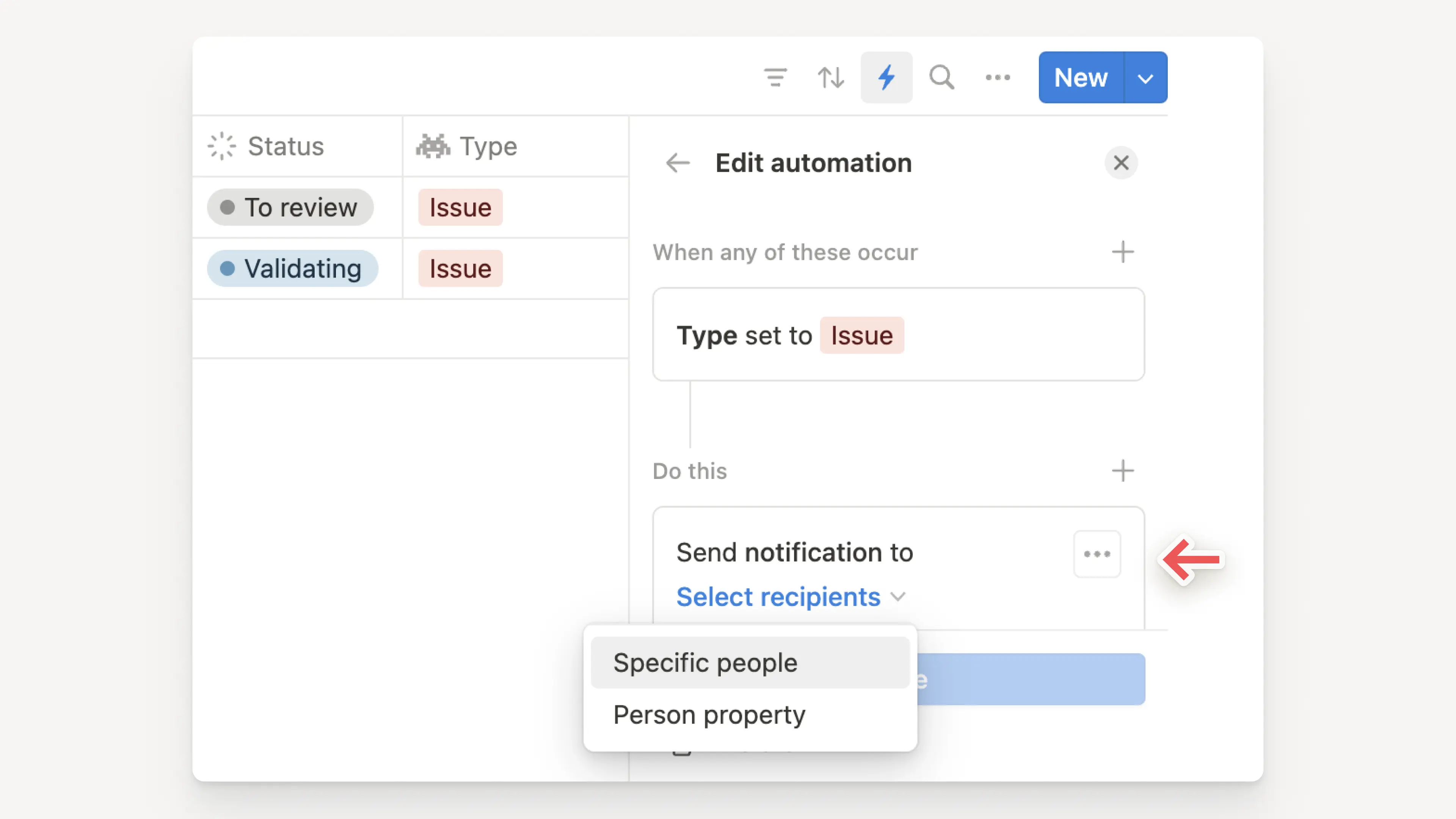
Automate notifications for projects

Better notifications for project workflows is a common request we get. Now, an automation can send a Notion notification that keeps your teammates looped in when a project is done, a new task is added, or something else changes.

Automate notification in Notion

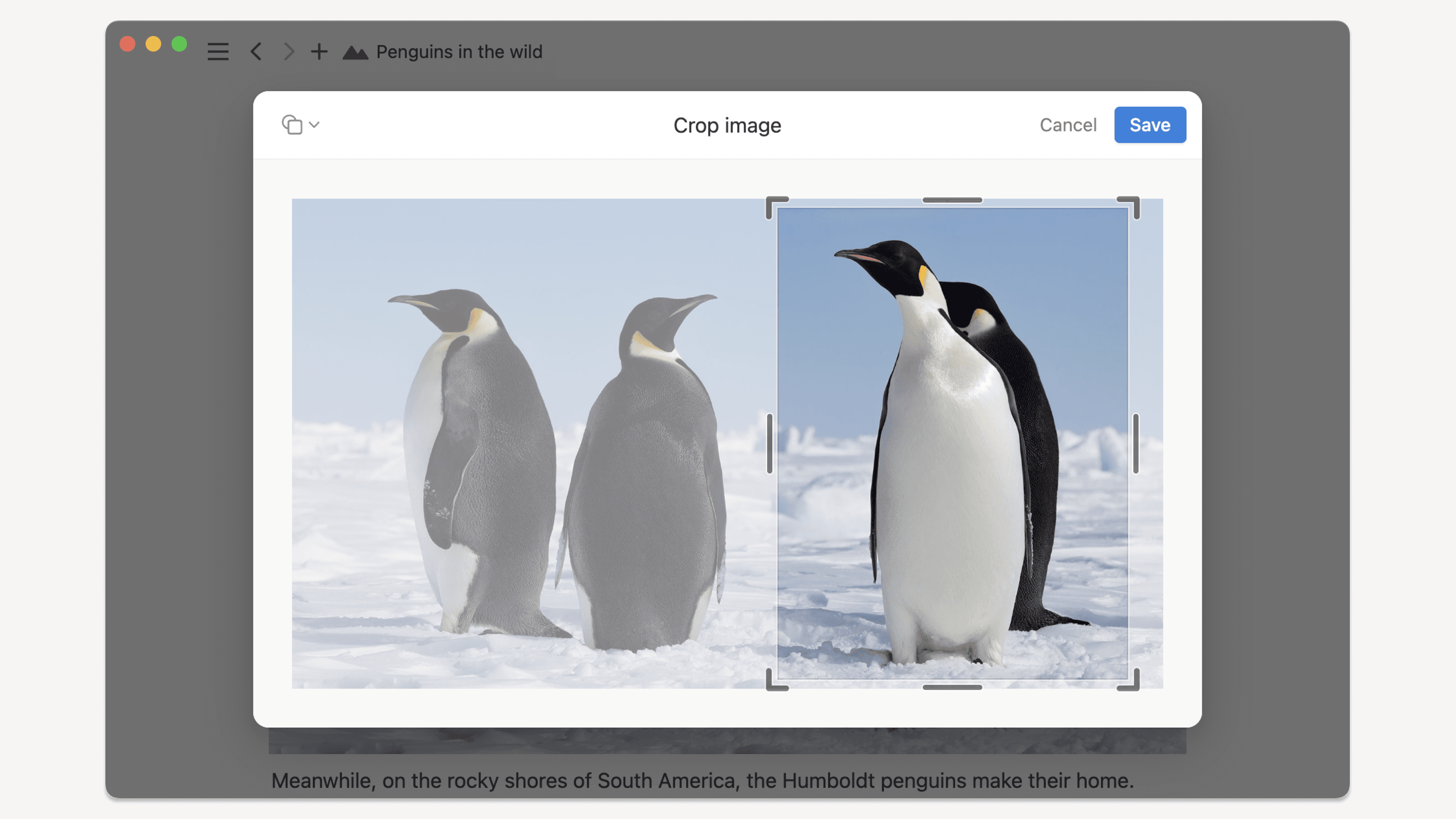
Crop images in Notion

A popular request — so we built it. Now you can do simple image cropping right within Notion.

Penguins being cropped

More improvements & fixes

  • We also refined the database creation flow and UI. For example, the Filter and Sort options are also now icons instead of text, to reduce clutter.

  • We also improved comment threads by simplifying the UI and adding the ability to filter comments by person or status.

  • You can now see GitHub PR activity in page comments, link GitHub PRs to tasks using magic keywords, and use a new Slack shortcut to create a task in Notion. Try it →

  • Users with Can view access can now request Can edit access from the share menu.

  • Three new formula functions (Mean, Median, and Today)!

  • Pressing enter in a Code block keeps the same indent on the next line.

  • The desktop app now lets you drag tabs to reorder them and automatically reopens your last session's pages. Download the latest version here →

  • Last but not least, our engineers have fixed various issues causing unexpected logouts. Active accounts now stay logged in.

2.38

Notion 2.38: Home

A Home for all your work

Find recent pages, tasks, and trending content from across your workspace.

My tasks, in one place

In Home, easily manage all tasks assigned to you in the new My tasks view. Learn more →

Automate with database buttons

In addition to Home, you can now create a button to assign, approve, upvote, or automate any other action. Learn more →

Take actions from mobile notifications

Reply, archive, or mark notifications as read — all without opening the app. Haven’t tried Notion on mobile yet? Download here.

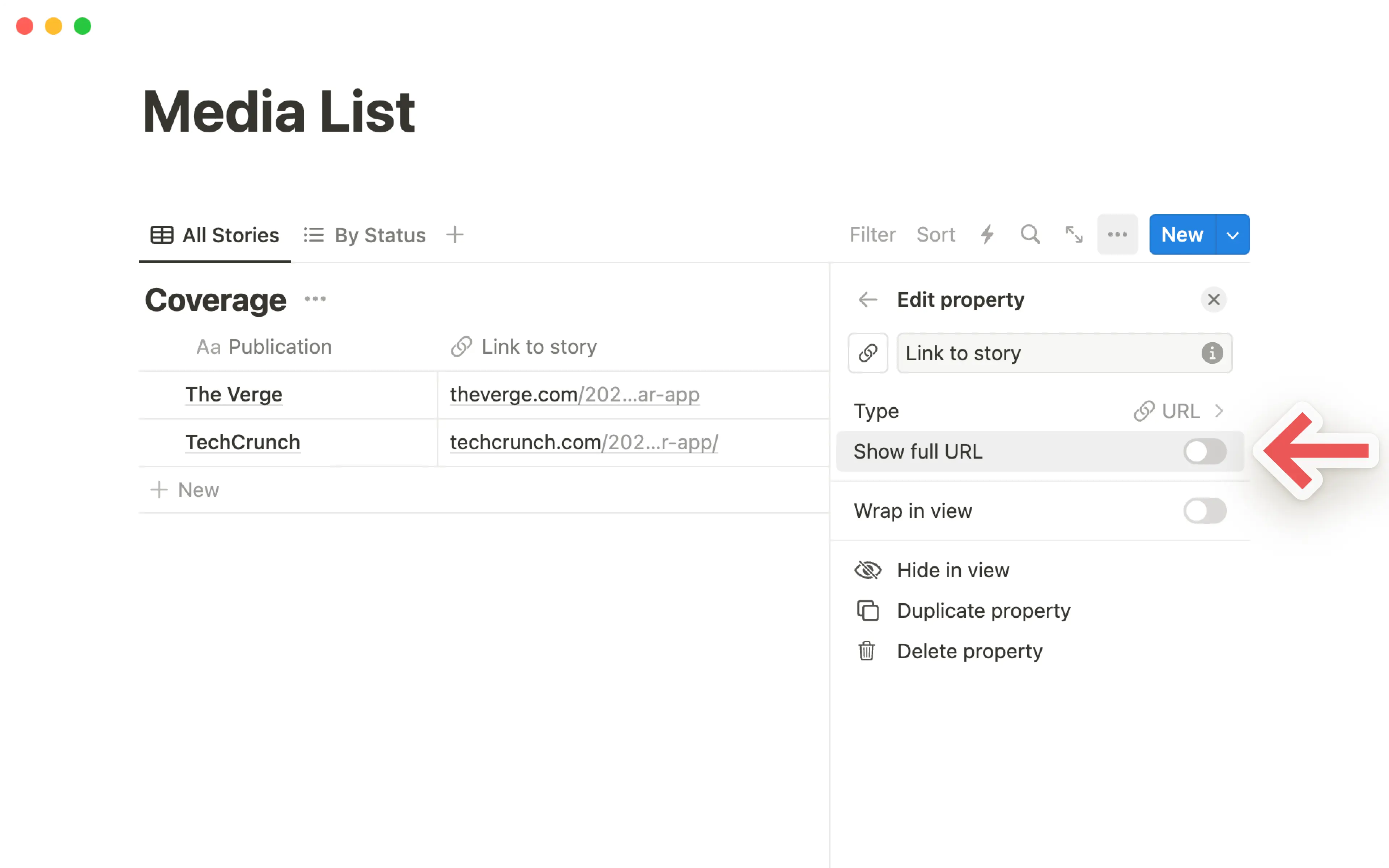
Shorten messy URLs

Long URLs that took over pages now get shortened automatically.

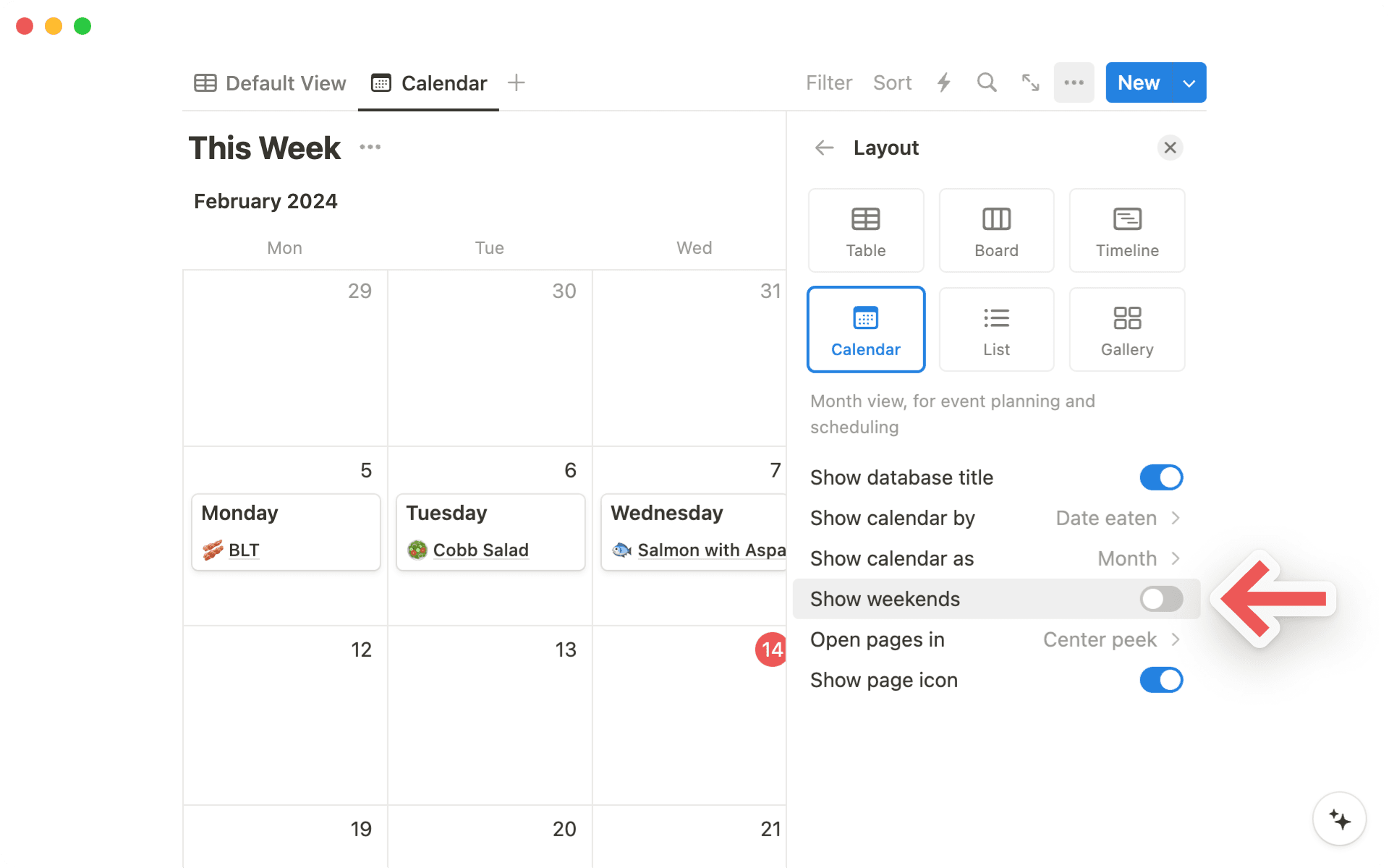
Hide weekends in calendar view

Keep your weekends free. Toggle off Show weekends in the layout of a calendar database.

More improvements, big and small

  • New Monday importer to easily migrate your projects into Notion.

  • New option to hide page icons by toggling off Show page icon in a database’s menu.

  • Rows in a database are logically sorted for you using the name of the row.

  • You can now change the color of a button.

  • Easily move pages to other locations on mobile using a better Move to menu.

2.37

Notion 2.37: Notion Calendar

Manage time and tasks together

Sync Notion databases to view and update your deadlines and timelines alongside your calendar events.

Connect and create Notion docs

No more meetings without context or a place to take notes.

Work and personal events in one place

Connect multiple Google accounts to manage all your events in one place and avoid conflicts.

A built-in scheduling tool

No need for a separate scheduling tool. Share your availability and allow others to book time.

Other great Notion Calendar features:

  1. Apps for desktop, web, and mobile.

  2. Download the desktop app to see your schedule, join meetings, and open attachments all from your computer’s menu bar.

  3. View your schedule across multiple time zones.

  4. Use command menu and shortcuts to work faster.

  5. Integrate with Zoom, Google Meet, and other providers.

Notion 2.36: speed improvements, better search, and upgrades to web publishing

Pages load 15-20% faster

No awkward pause to get the information you need.

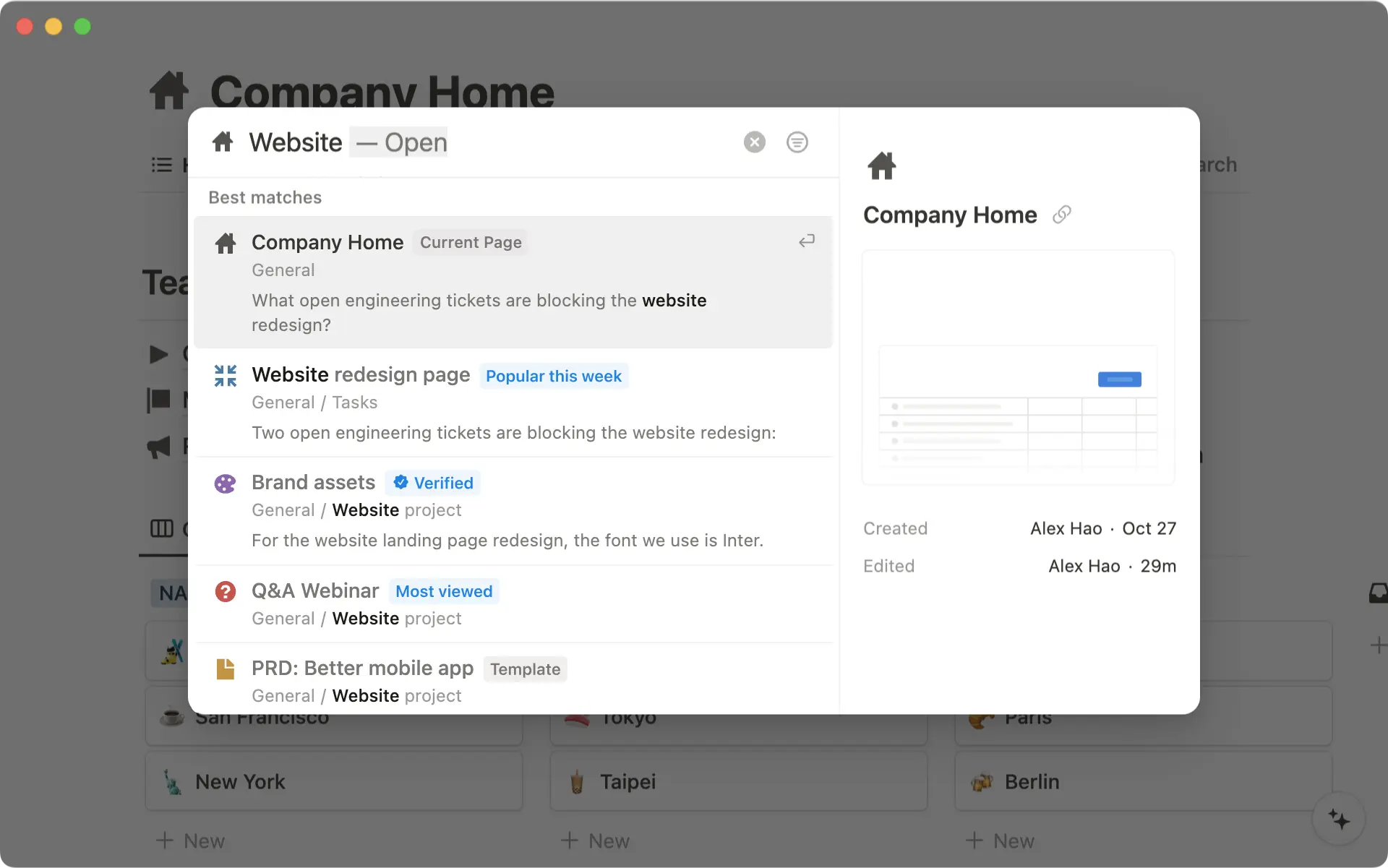
Search results surface popular and verified pages, pages have previews, & accuracy improved.

Upgrades to web publishing

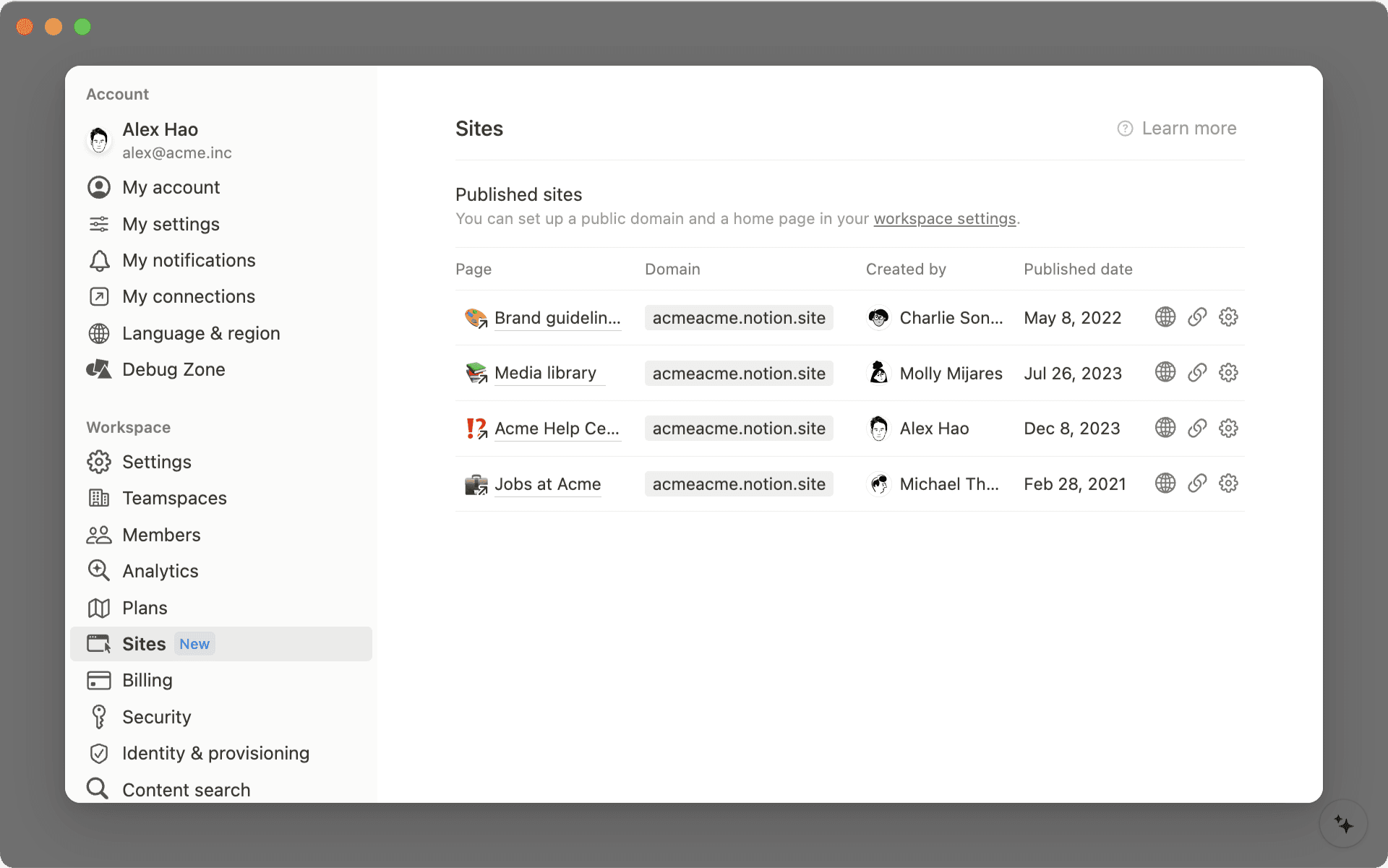
Manage all your published pages from a new Sites tab in settings. SEO indexing is also now available on all plans.

Properties, now with descriptions

Add descriptions to views & properties to give teammates extra context.

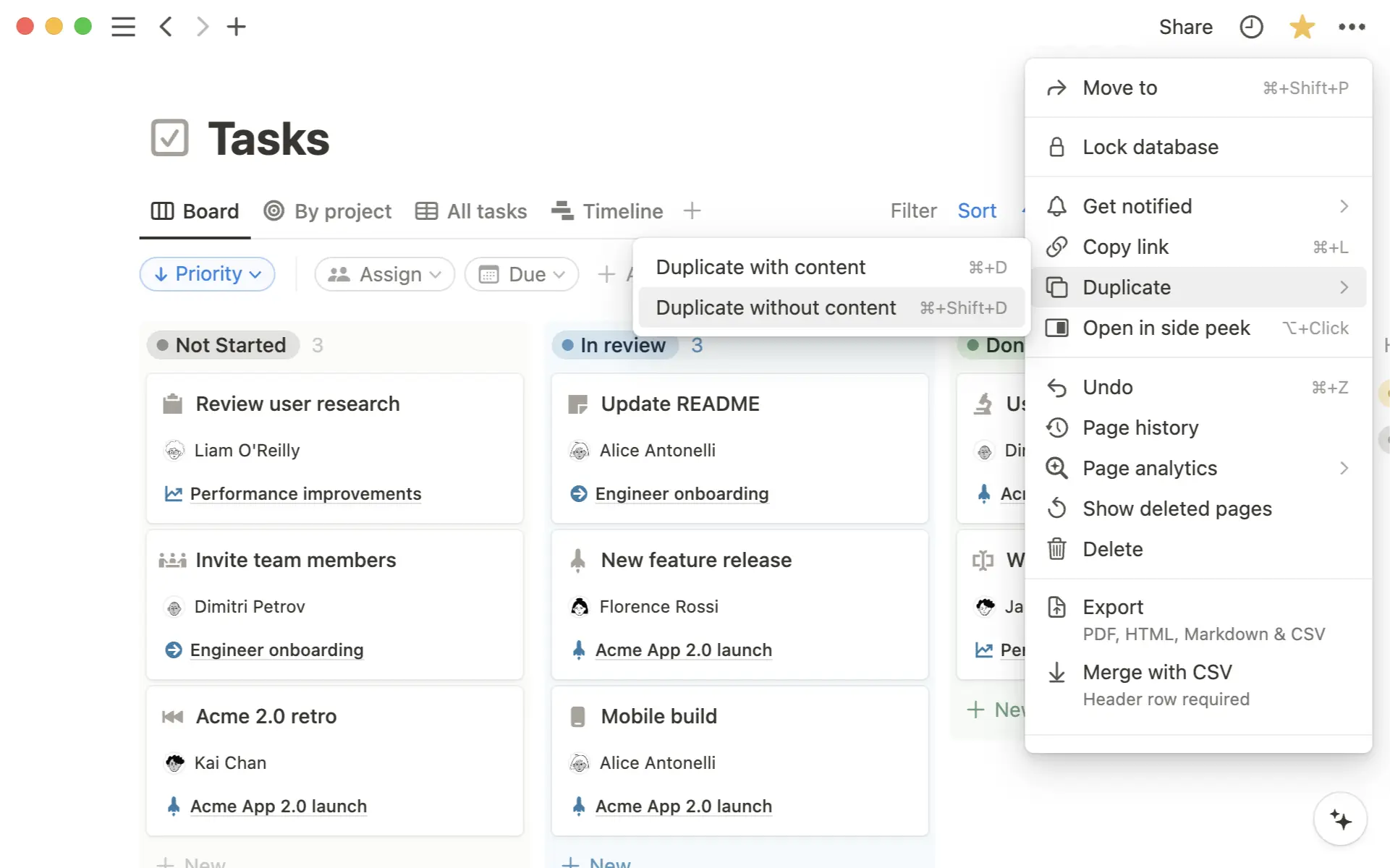
Duplicate a database without content

When you duplicate a database, we remove the content for you but keep the structure.

Little fixes = big improvements

  • ✨ See a live preview of a Zendesk ticket in your Notion page or database by pasting its link

  • ✨ New option to include page comments in an export

2.35

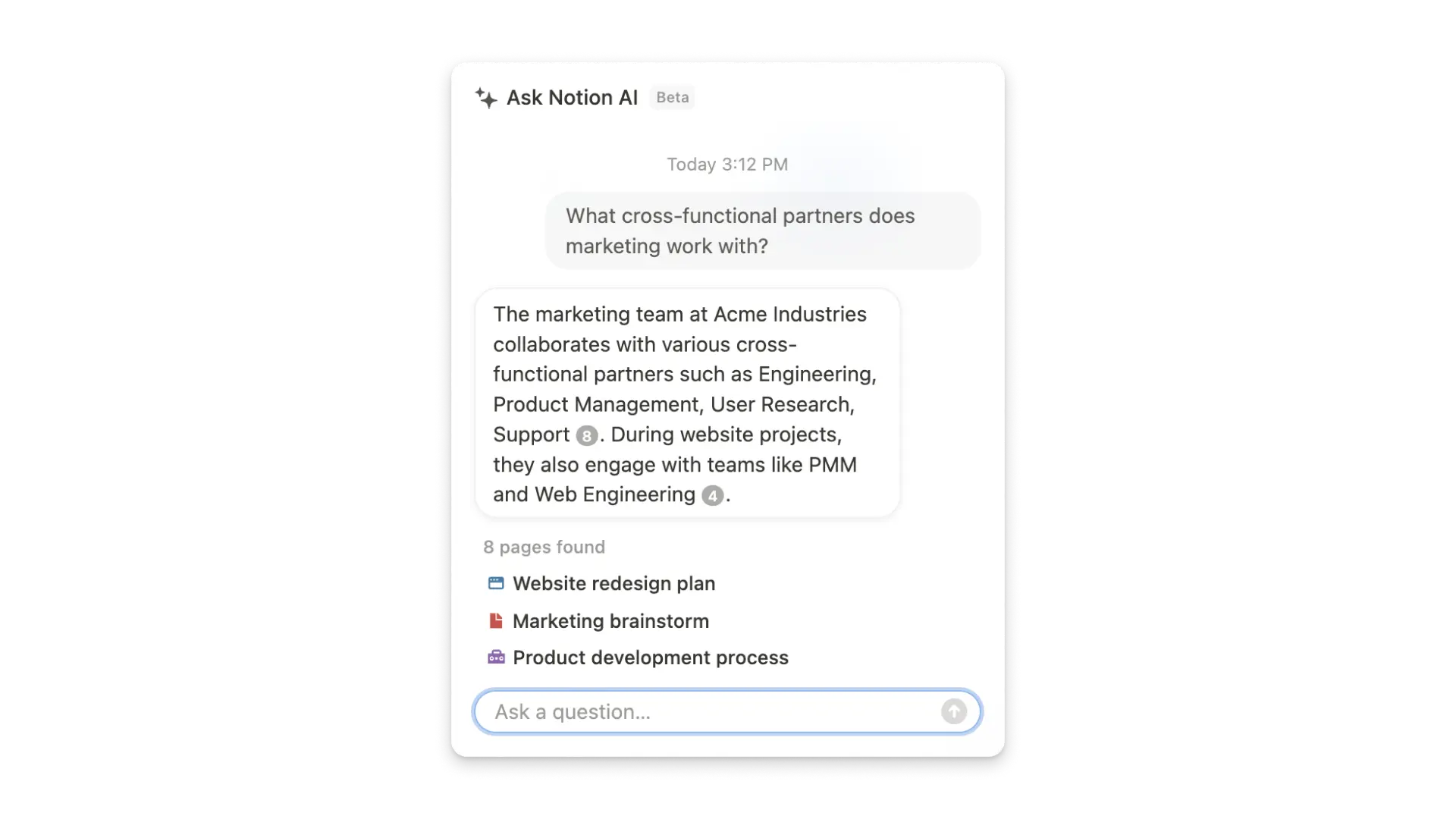
Notion 2.35: Introducing Q&A by Notion AI (now in beta)

Answer every “How to” question

For your everyday questions, Q&A has the answers.

Stay in the loop on projects

Great for quick updates on the latest tasks, timelines, and priorities.

Perfect for every new hire

Q&A is like an onboarding buddy with all the information you need to get started.

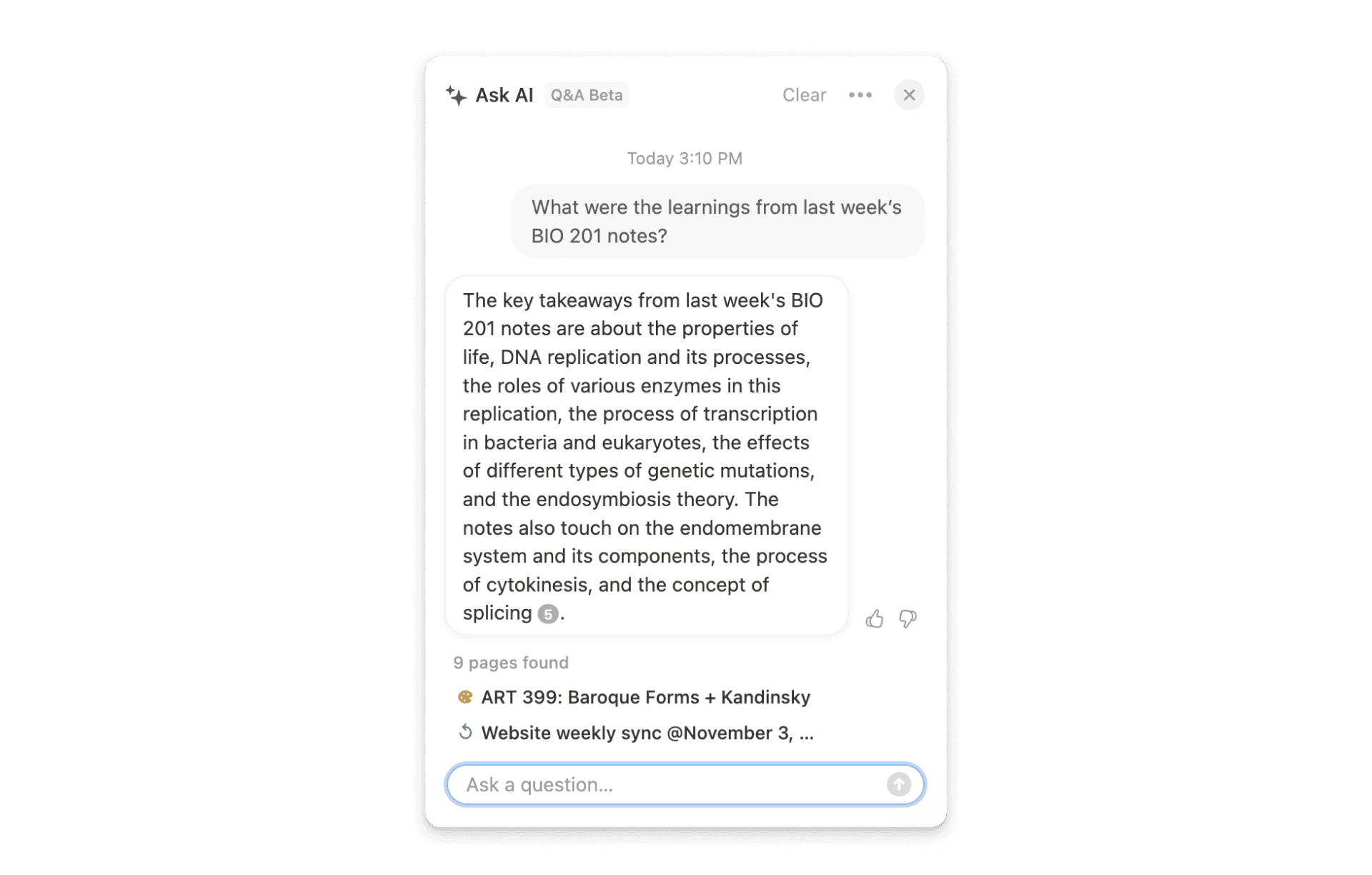
Talk to your notes

What were learnings from last week’s BIO 201 notes?

A new shortcut to search & ask from anywhere

Download the desktop app, Cmd or Ctrl + Shift + K, and get answers

2.34

Notion 2.34: new enterprise features and languages

Hover preview of a Notion page

You ever want to 👀 peek at a Notion page? Now you can hover to preview page content.

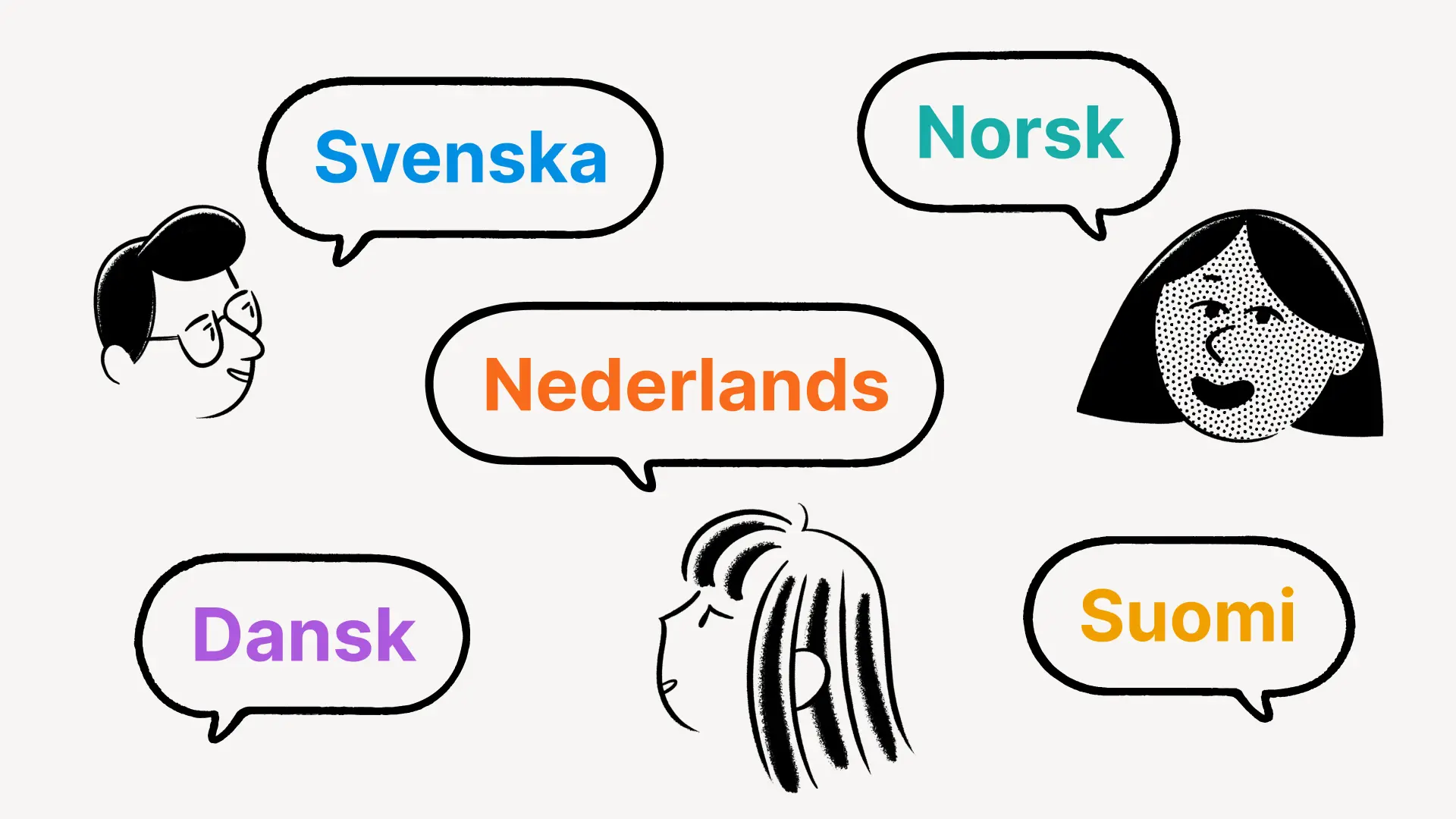
Notion is now available in 5 additional languages

You can use Notion in Danish, Dutch, Finnish, Norwegian, and Swedish. Set your preferred language in Settings & membersLanguage & region.

More visibility & controls to manage users

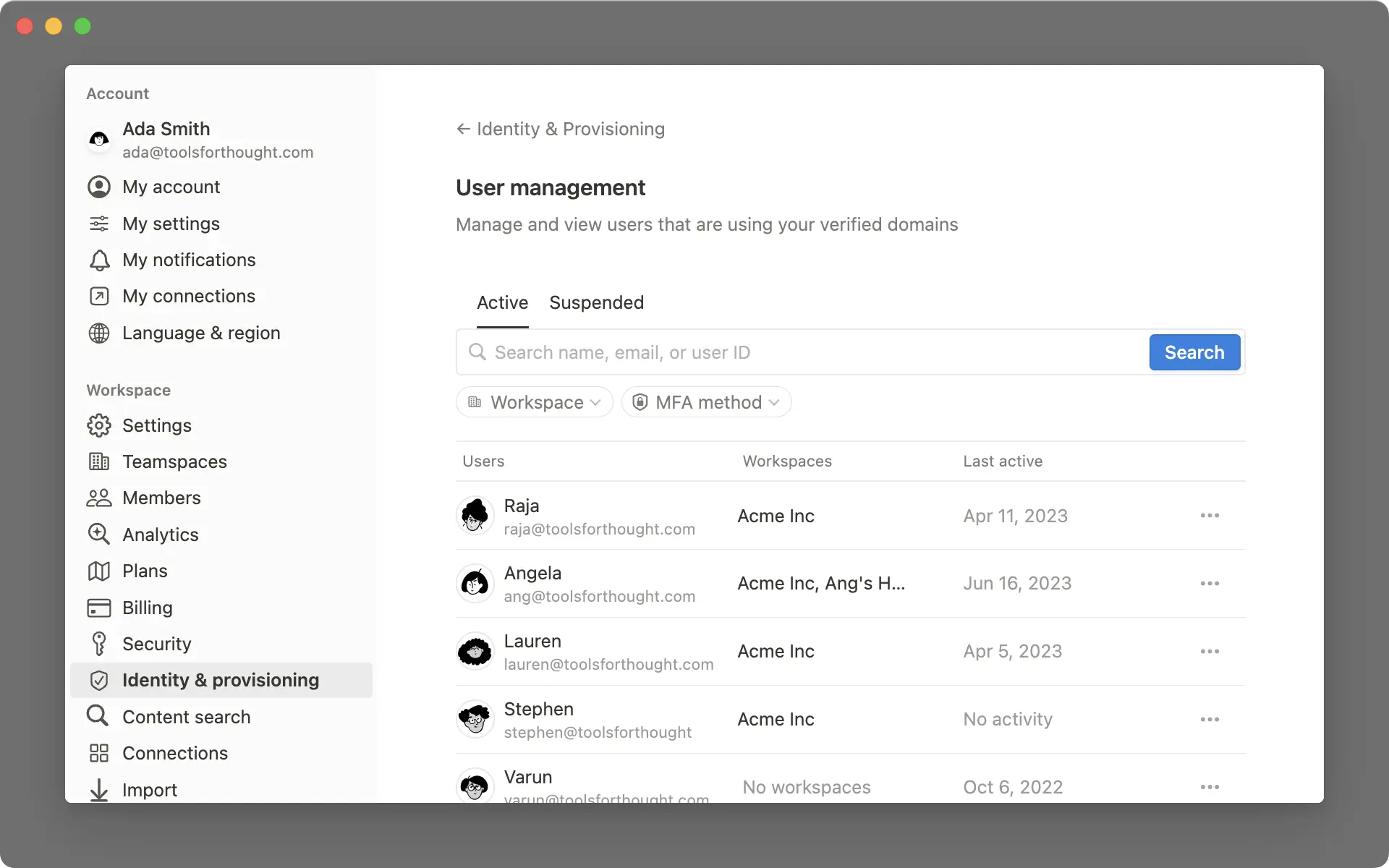
New dashboard and controls help you manage users with your domain.

New SIEM & DLP integrations

These integrated tools centralize audit logs & detect sensitive content in your workspace.

2.33

Notion 2.33: Automate workflows

Automate workflows in a database

Automatically set status, assign a task, and more.

Freeze database columns

Freeze columns while you scroll. Available in table view.

Formulas 2.0

It’s easier to write formulas, use functions, and get formatted outputs.

Use AI to translate any property in your database

Translate database content into your teammates’ native language.

Little fixes = big improvements

  • ✨ If you so desire, you can now use the Notion logo as an icon in your page

  • ✨ The three-dot menu of a code block now has an option to Format code

  • 🛷 Evernote & Trello importers have been upgraded and can handle more data

  • 🛷 The new Universal import works for any ZIP file that contains text, Markdown, CSV, HTML, and other files

  • 🕛 You can now set your timezone to default to your location or change it manually by going to Settings and members My settings

  • 🕛 Use dynamic references like @me, @today, and @now in people or date properties within a database template

  • 👇🏾 While setting up a button you can now choose a database template as the default page that gets created

  • 👇🏾 For Board and Gallery views, there is now a “Wrap all properties” option when configuring the layout

2.32

Notion 2.32: new features for project management, AI, and more

More options when sharing a page

Configure access before sharing or publishing a page link.

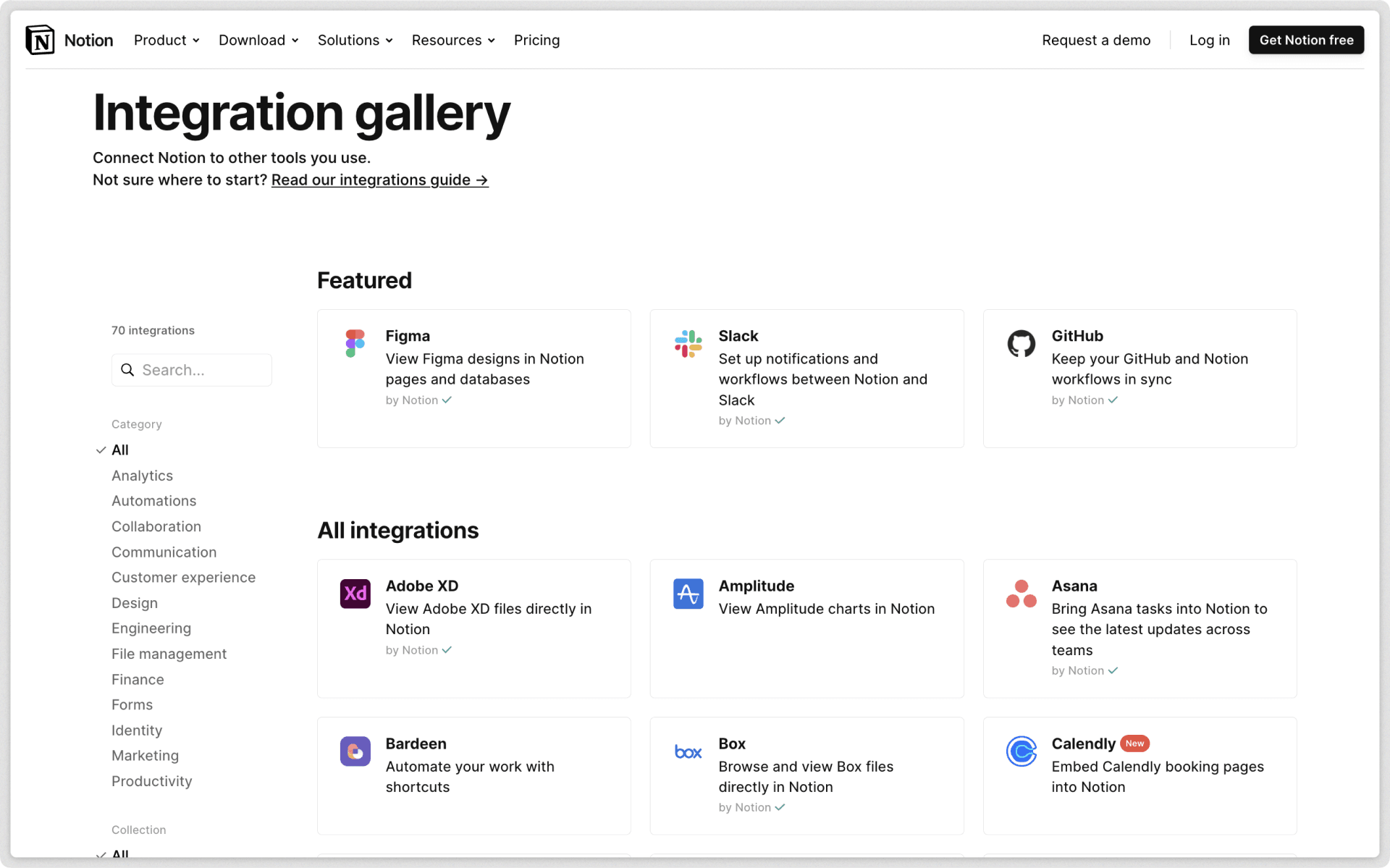
Connect tasks to Google Drive and Figma files

See live content from other tools directly in a Notion task.

Task dependencies that automatically shift

When you update a task’s date its dependent tasks shift with it.

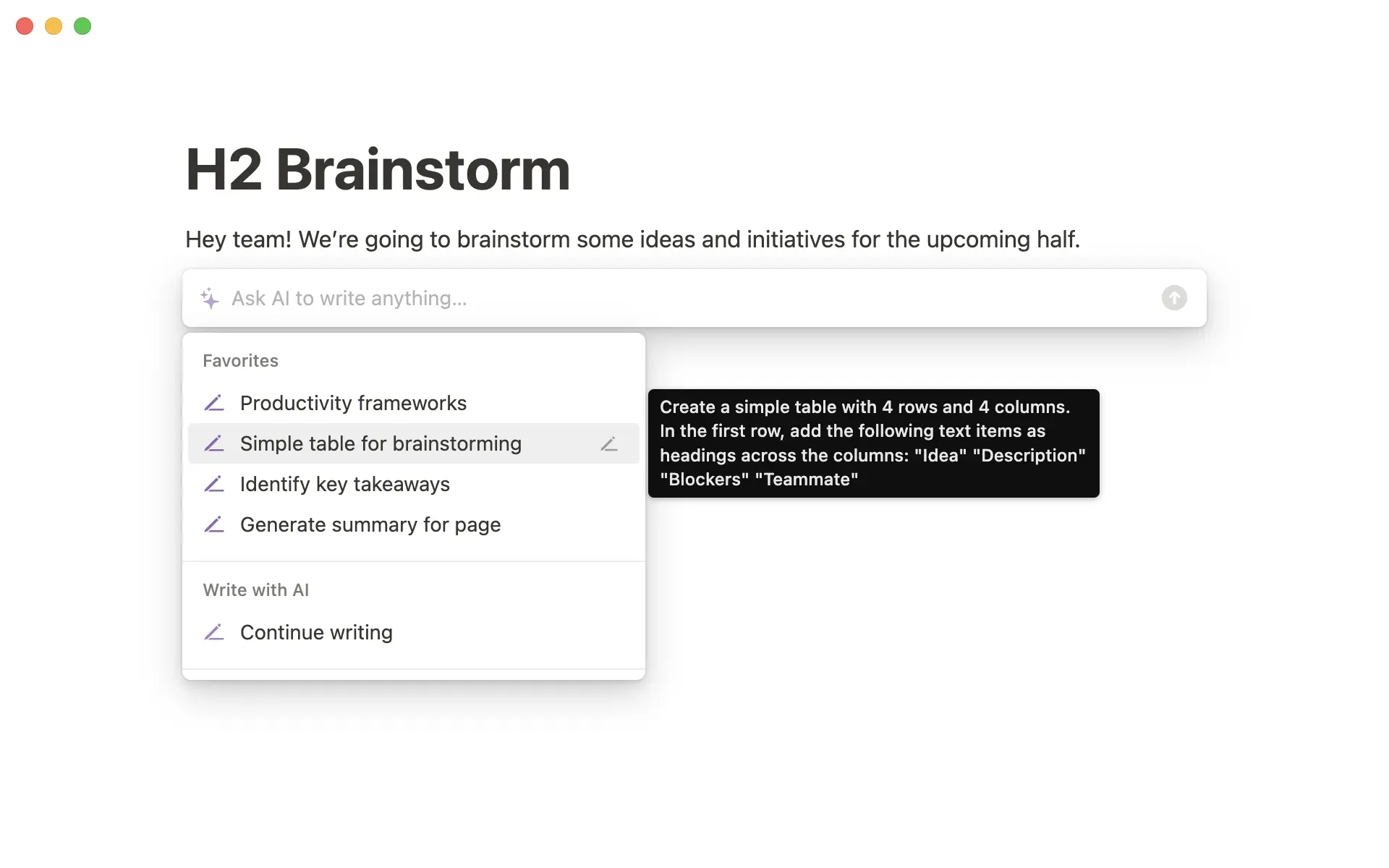
Save your AI prompts

Favorite AI prompts for reuse later.

Recently visited pages now load 10% faster on iOS

Pages on iOS load faster thanks to improvements in how content is downloaded.

Search an expanded list of integrated tools that includes Miro and Canva.

Little fixes = big improvements

  • 🖱️ Hold shift then click to easily add an end date in the date picker

  • 🔠 Sort values of a select or multi-select property alphabetically or manually

  • 👥 When sharing a Notion page you can now share it with contacts from Slack

Powered by Fruition